KONTROL DESKTOP APP
Flight control, made precise.
A practical, step-by-step guide to installing an adapter, configuring your controls, and deploying them to a supported application.
Kontrol is designed for any game with an adapter. Current adapters include Space Engineers and Space Engineers 2.
What this manual covers
Kontrol sits between your physical controls and the target application through its adapter. Use the sidebar to move from a clean installation through adapter management, action bindings, tuning, deployment, and diagnostics.
Prepare Kontrol
Accept the first-run prompts, keep the default profile, and understand the main views.
02Install an adapter
Download a catalog adapter or sideload an unsigned local package.
03Bind controls
Choose devices and inputs from action details, including inverted axes.
04Deploy and verify
Review deployment, launch options, and the diagnostic evidence available.
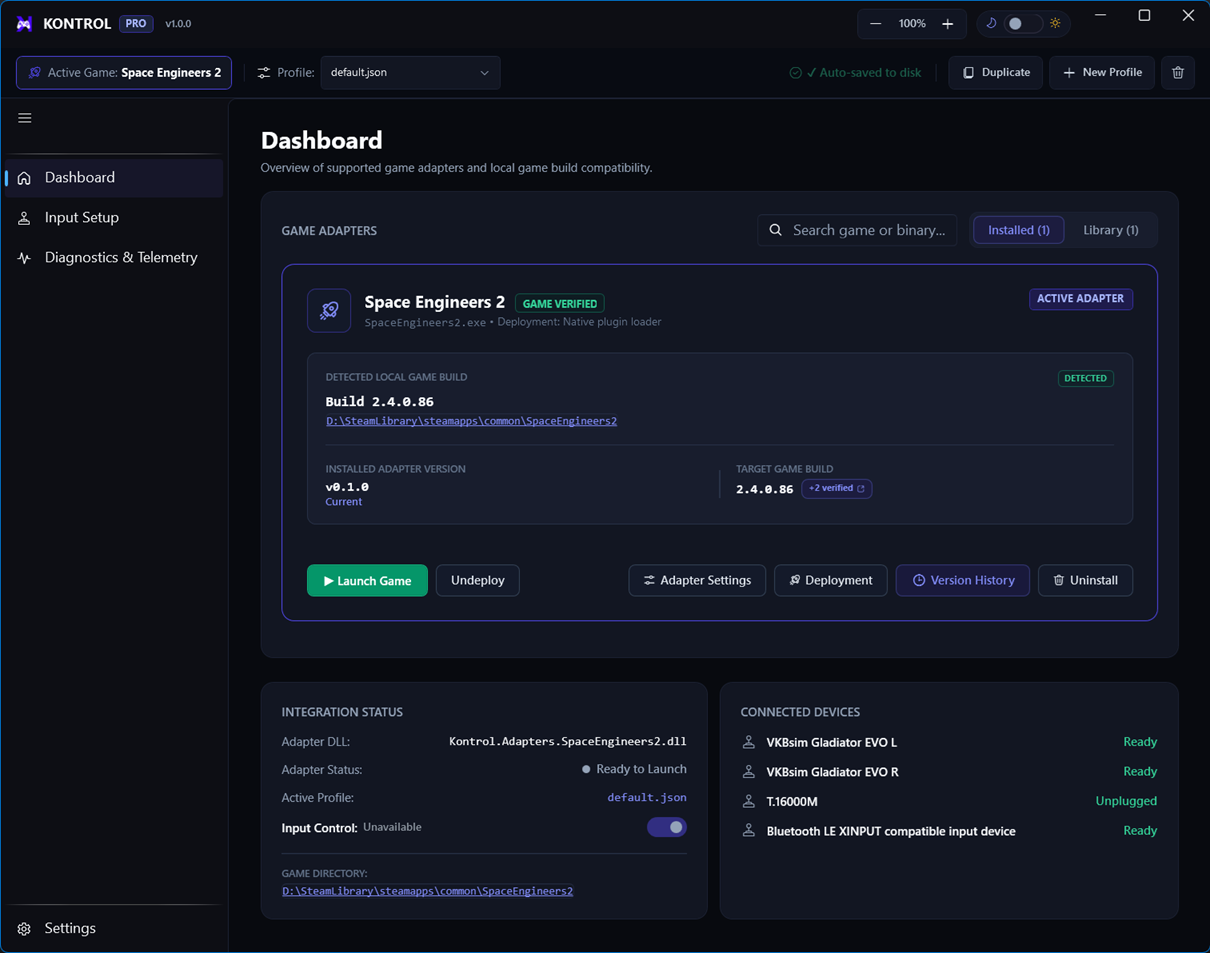
Clean-start path
- Open KontrolRun the executable from the Debug output folder.
- Enable Developer Mode when neededRequired before sideloading unsigned adapter files.
- Install the required adapterUse Library to download the latest compatible adapter.
- Configure controlsBind action details using the controller, source mode, axis/button, and invert controls.
- DeployReview adapter settings and deployment options before starting the target application.
Important safety note
Make changes in the intended profile and verify the active adapter before launching. If an adapter package is unsigned, turn on Developer Mode only for the local development workflow and sideload it from Library.