09 / ADAPTER CONFIGURATION
Adapter settings
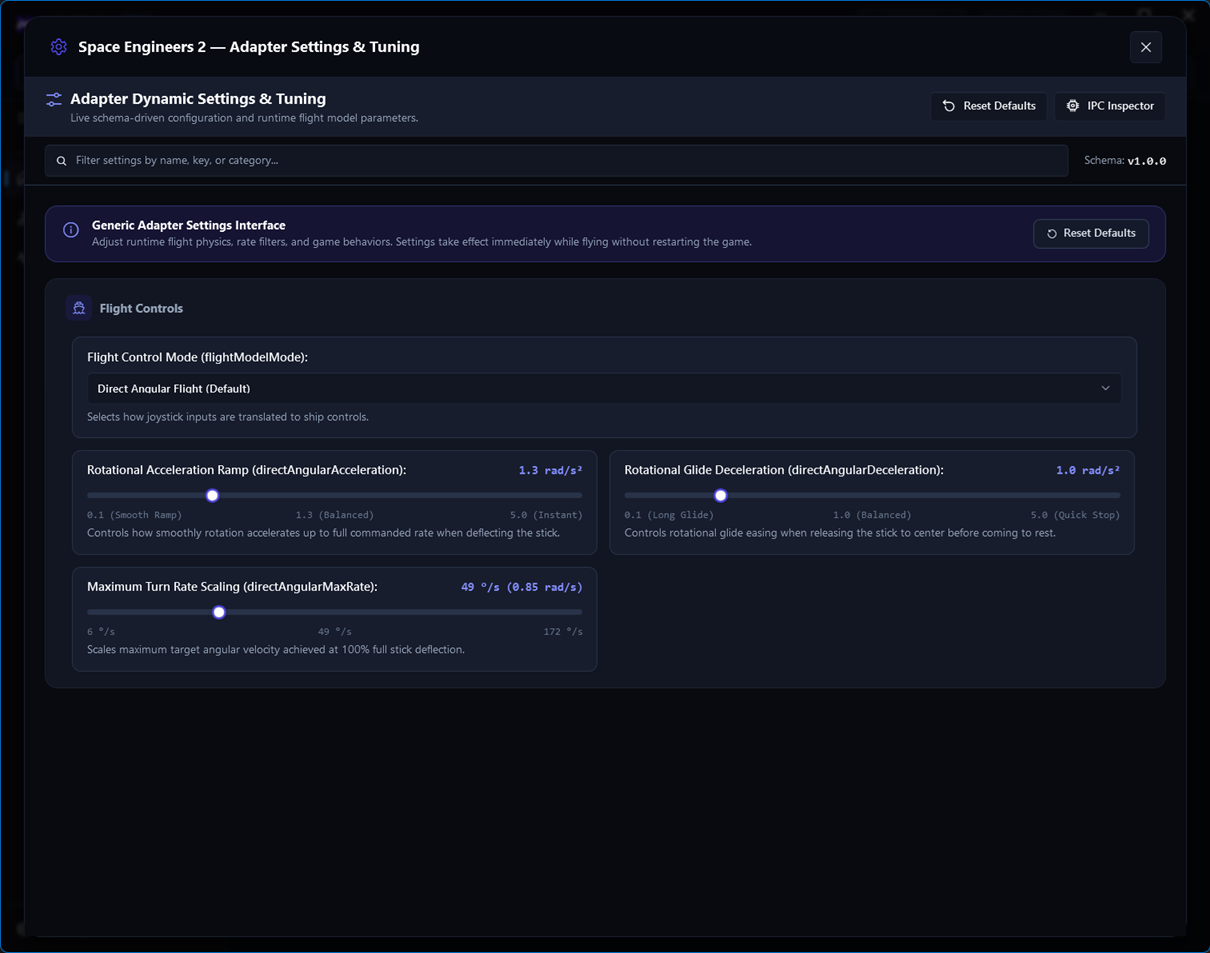
Adapter settings control target application integration and should be reviewed after the correct adapter is active.
Review before deployment
- Open the active adapter’s settingsUse the adapter card or Dashboard action.
- Confirm target buildMake sure the adapter’s supported application version matches the installed target application.
- Review integration optionsKeep defaults unless your target application or deployment scenario requires a change.
- Save and recheck statusReturn to Dashboard and verify the adapter remains active.
Scope matters
Adapter settings describe the adapter integration. They do not replace profile mappings, calibration, or application Developer Mode.