08 / OBSERVABILITY
Input overlay
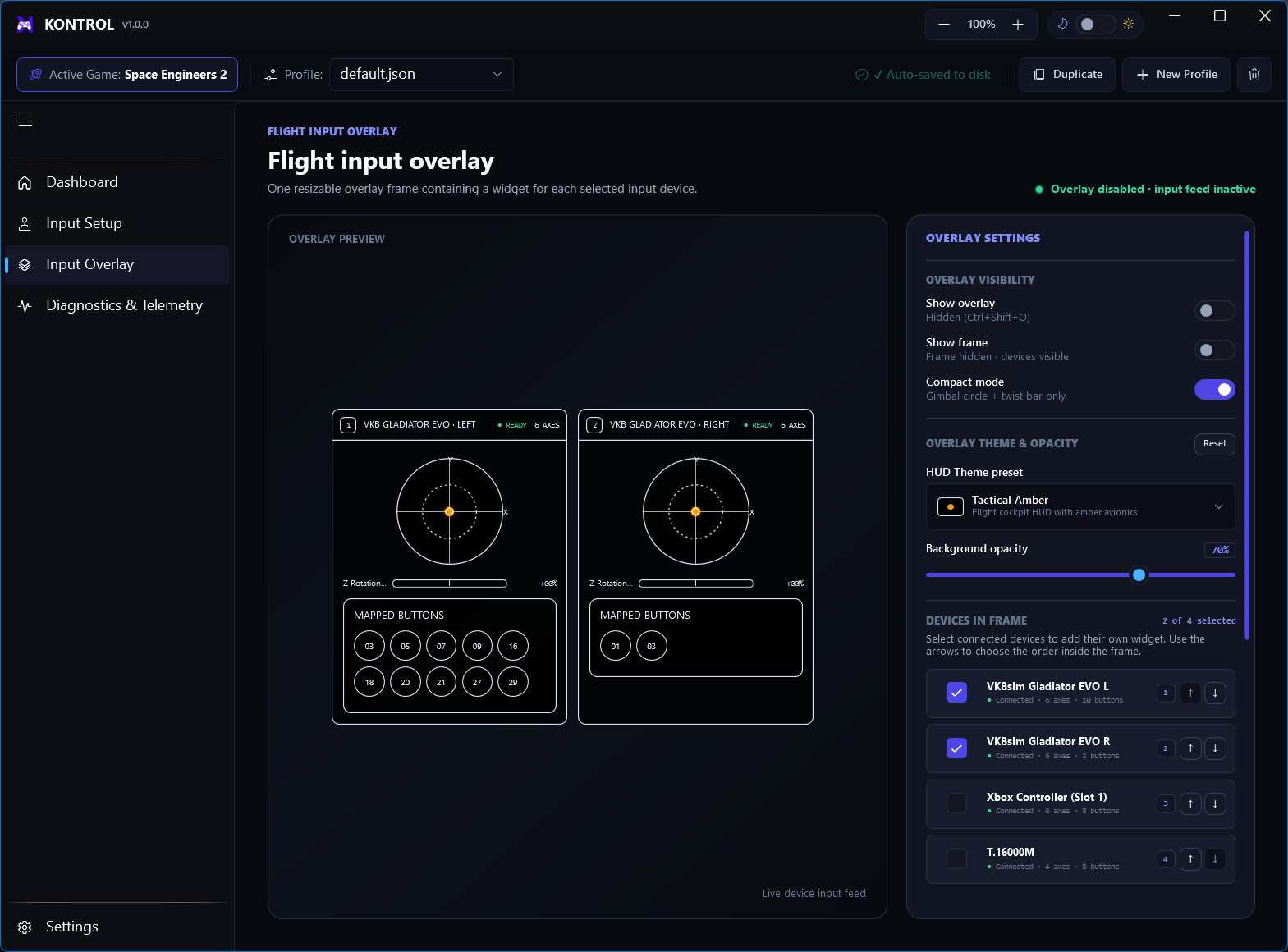
Use the live input view as a visual check that physical movement reaches the expected mapped action.
Use it during setup
- Open Send Inputs LiveKeep the mapping page available for adjustments.
- Move one controlConfirm only the intended action reacts.
- Check direction and centerVerify neutral is stable and that inverted actions move in the intended direction.
- Test buttonsPress each discrete control once and confirm the expected action state.