14 / MAINTENANCE
Updates & versions
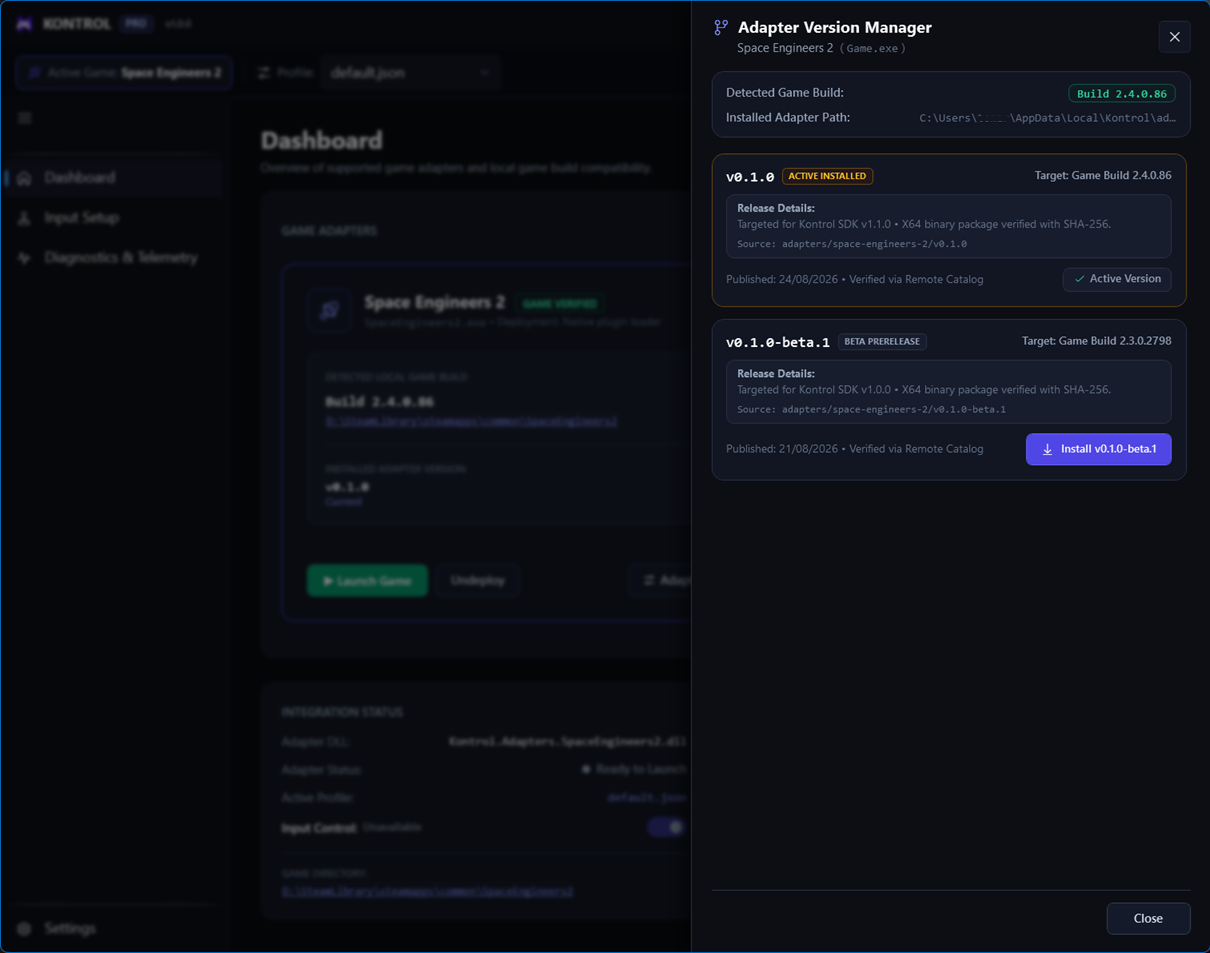
Treat adapter updates as compatibility changes: check the target application version, install, activate, and verify before play.
Update checklist
- Open LibraryCompare the available catalog version with your installed version.
- Check compatibilityConfirm the target application version matches your target application.
- Install and activateUse the catalog action, then verify the success message.
- Retest critical inputsCheck pitch, roll, buttons, and any inverted action in live input.
- Keep a fallbackRetain a known-good version when the workflow supports rollback.