13 / HOST SETTINGS
Application settings
Application Settings controls host-wide behavior. It is separate from profiles and adapter configuration.
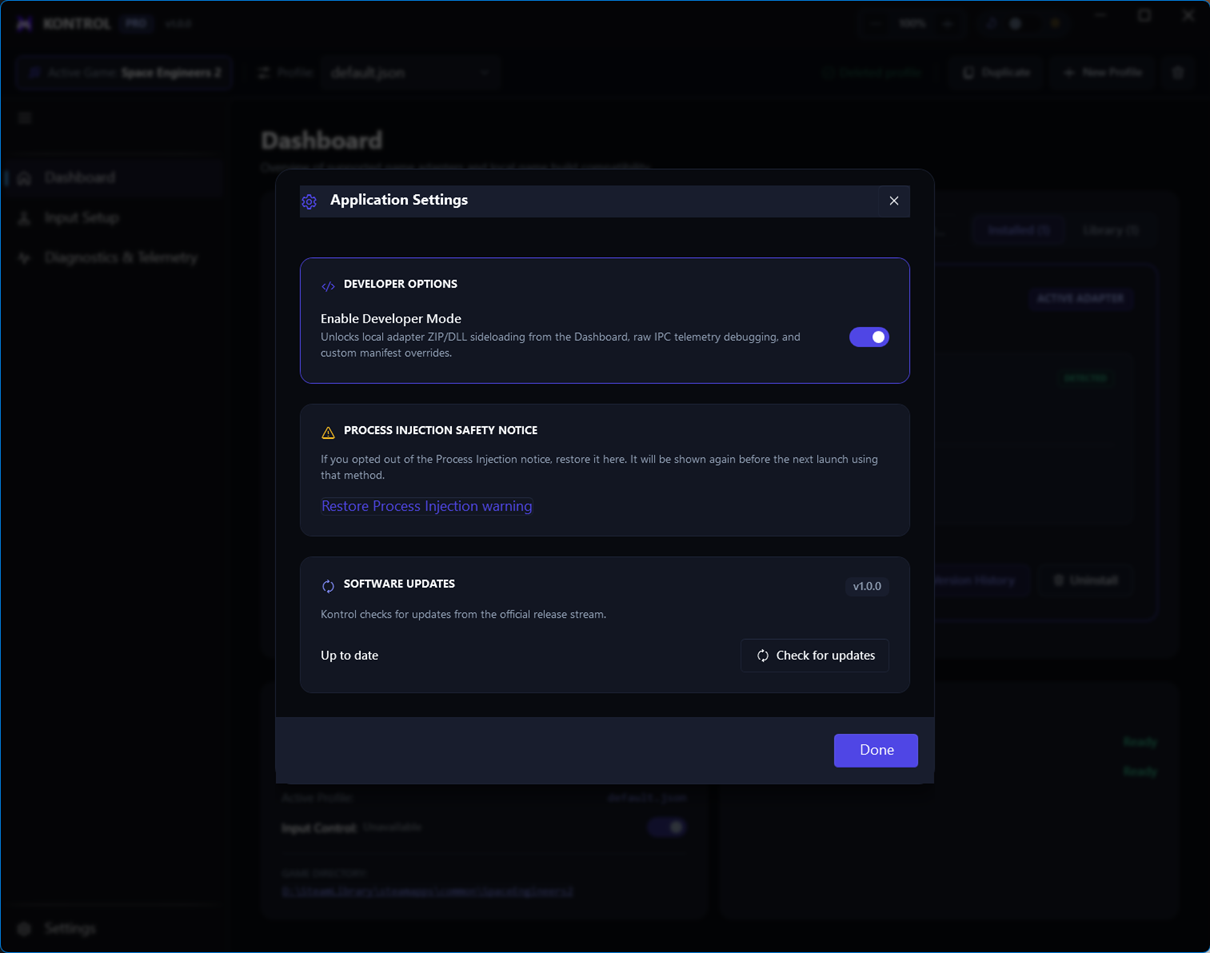
Developer Mode
Enable Developer Mode before sideloading unsigned adapter ZIP files. After installing the local package, you can disable it again if you no longer need development-only behavior.
Settings boundaries
Use Application Settings for host behavior, Adapter Settings for adapter integration, and Profiles for player-specific mappings and tuning. Keeping those scopes separate makes troubleshooting much faster.